
File Archiving Software
Quick Navigation:
- File Archiving Software Definition
- File Archiving Software Explained Easy
- File Archiving Software Origin
- File Archiving Software Etymology
- File Archiving Software Usage Trends
- File Archiving Software Usage
- File Archiving Software Examples in Context
- File Archiving Software FAQ
- File Archiving Software Related Words
File Archiving Software Definition
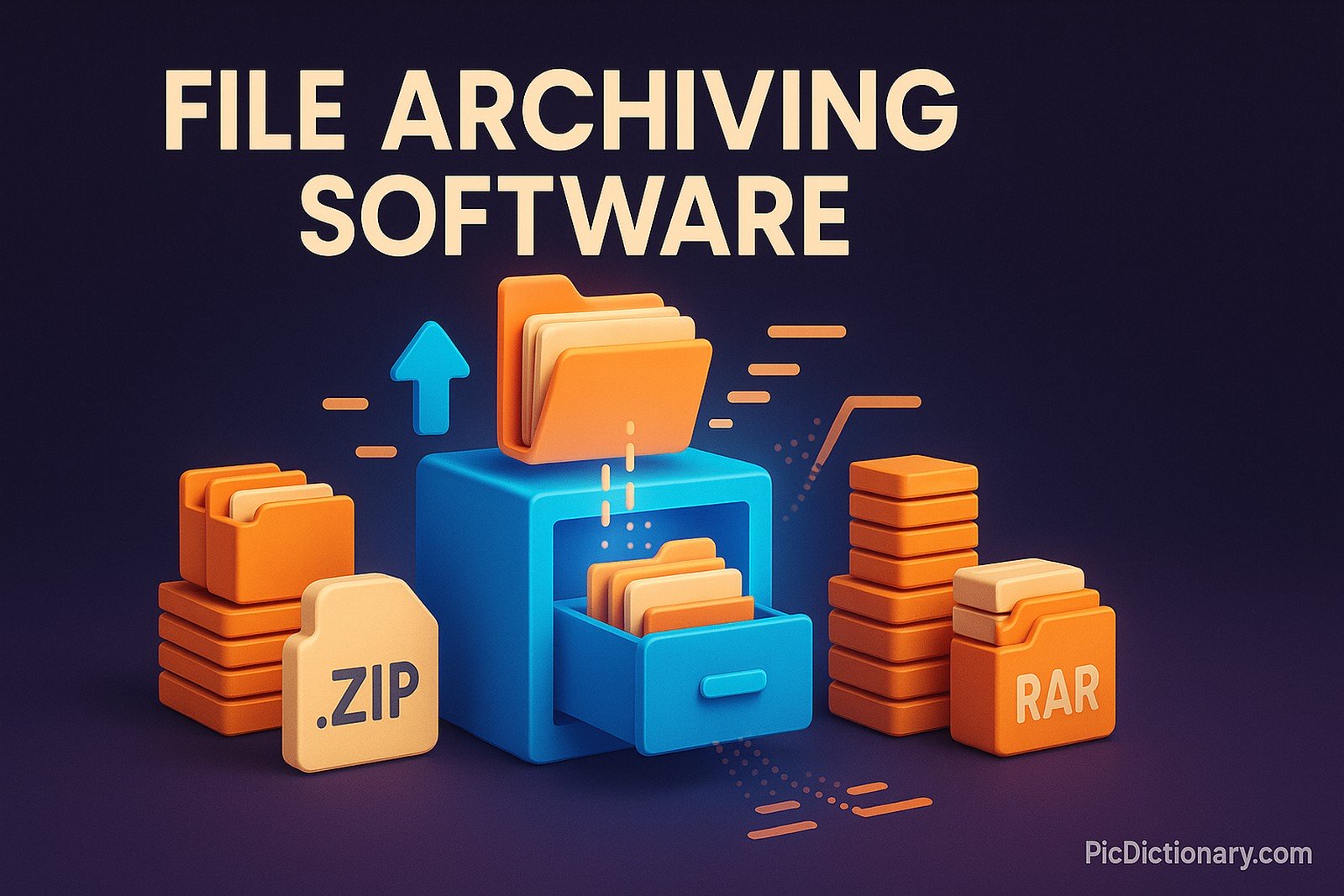
File archiving software is a program designed to compress and store multiple files into a single archive. These tools help users reduce file size, organize data efficiently, and facilitate file transfers. Popular formats include ZIP, RAR, and 7Z, each offering different compression methods and encryption options. Many archiving programs, such as WinRAR, 7-Zip, and WinZip, support password protection and multi-volume archives for added security and convenience.
File Archiving Software Explained Easy
Imagine you have a big stack of papers, and you need to fit them into a small box. You press them down tightly so they take up less space. File archiving software does the same thing with digital files—squeezing them so they use less space on your computer while keeping everything in one neat package.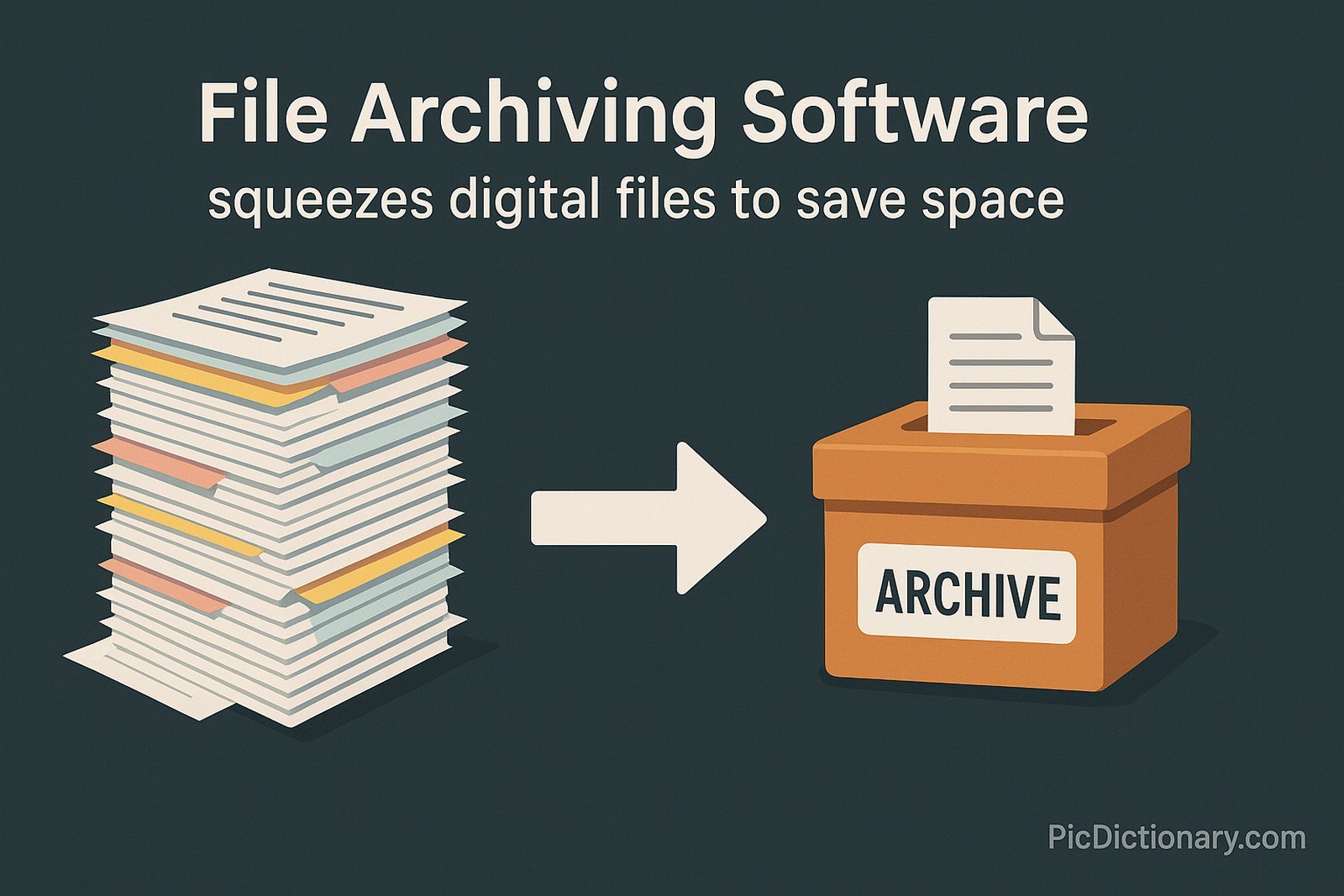
File Archiving Software Origin
The first file compression utilities appeared in the late 1970s and early 1980s as a solution to limited storage capacity on early computers. The ZIP format, one of the most widely used today, was introduced in 1989 by PKWARE. Since then, numerous formats and tools have evolved, offering better compression ratios and security features.
File Archiving Software Etymology
The term "file archiving" originates from "archive," meaning a collection of stored documents or data. The word "archive" itself derives from the Greek arkheion, meaning "public records office."
File Archiving Software Usage Trends
With the rise of cloud storage, file archiving software has shifted from purely local compression to integrated cloud solutions. Businesses use them for secure backups, while individuals rely on them for reducing file sizes and sending large attachments. The development of advanced compression algorithms has also made archives more efficient.
File Archiving Software Usage
- Formal/Technical Tagging:
- Data Compression
- File Management
- Digital Storage - Typical Collocations:
- "extract compressed files"
- "create a ZIP archive"
- "encrypted file archive"
- "file archiving utility"
File Archiving Software Examples in Context
- A user compresses a large video project into a ZIP file before uploading it to cloud storage.
- A company archives old financial records in RAR format to save space and protect sensitive data.
- A developer sends a multi-file software package in a 7Z archive to colleagues for testing.
File Archiving Software FAQ
- What is file archiving software?
It is a program that compresses multiple files into a single archive, reducing storage size and simplifying file transfers. - What are common file archive formats?
ZIP, RAR, 7Z, TAR, and GZIP are widely used formats. - Is file archiving the same as file backup?
No, archiving focuses on compression and storage, while backups ensure data recovery. - Can I password-protect a file archive?
Yes, most archiving tools allow password encryption for security. - What is the best free file archiver?
7-Zip is a popular free tool known for its high compression ratio. - Why do some archives split into multiple parts?
Large archives are sometimes split into smaller volumes for easier transfer. - Are archived files safe from corruption?
Some formats support error recovery, but damaged archives can become unusable. - How does file compression work?
It reduces redundancy in data to shrink file size without losing content. - Can archived files be restored to their original state?
Yes, unless they are compressed with a lossy algorithm (which is uncommon). - Do mobile devices support file archiving?
Yes, apps like WinZip and RAR allow archiving on smartphones and tablets.

File Archiving Software Related Words
- Categories/Topics:
- Data Storage
- File Compression
- Digital Security
Did you know?
The ZIP file format is over 30 years old and remains one of the most popular archiving methods. Originally developed by Phil Katz, it replaced older compression formats and became the standard due to its efficiency and compatibility across different operating systems.
PicDictionary.com is an online dictionary in pictures. If you have questions or suggestions, please reach out to us on WhatsApp or Twitter.Authors | Arjun Vishnu | @ArjunAndVishnu

I am Vishnu. I like AI, Linux, Single Board Computers, and Cloud Computing. I create the web & video content, and I also write for popular websites.
My younger brother, Arjun handles image & video editing. Together, we run a YouTube Channel that's focused on reviewing gadgets and explaining technology.




Comments powered by CComment