
Disk Recovery Utilities
Quick Navigation:
- Disk Recovery Utilities Definition
- Disk Recovery Utilities Explained Easy
- Disk Recovery Utilities Origin
- Disk Recovery Utilities Etymology
- Disk Recovery Utilities Usage Trends
- Disk Recovery Utilities Usage
- Disk Recovery Utilities Examples in Context
- Disk Recovery Utilities FAQ
- Disk Recovery Utilities Related Words
Disk Recovery Utilities Definition
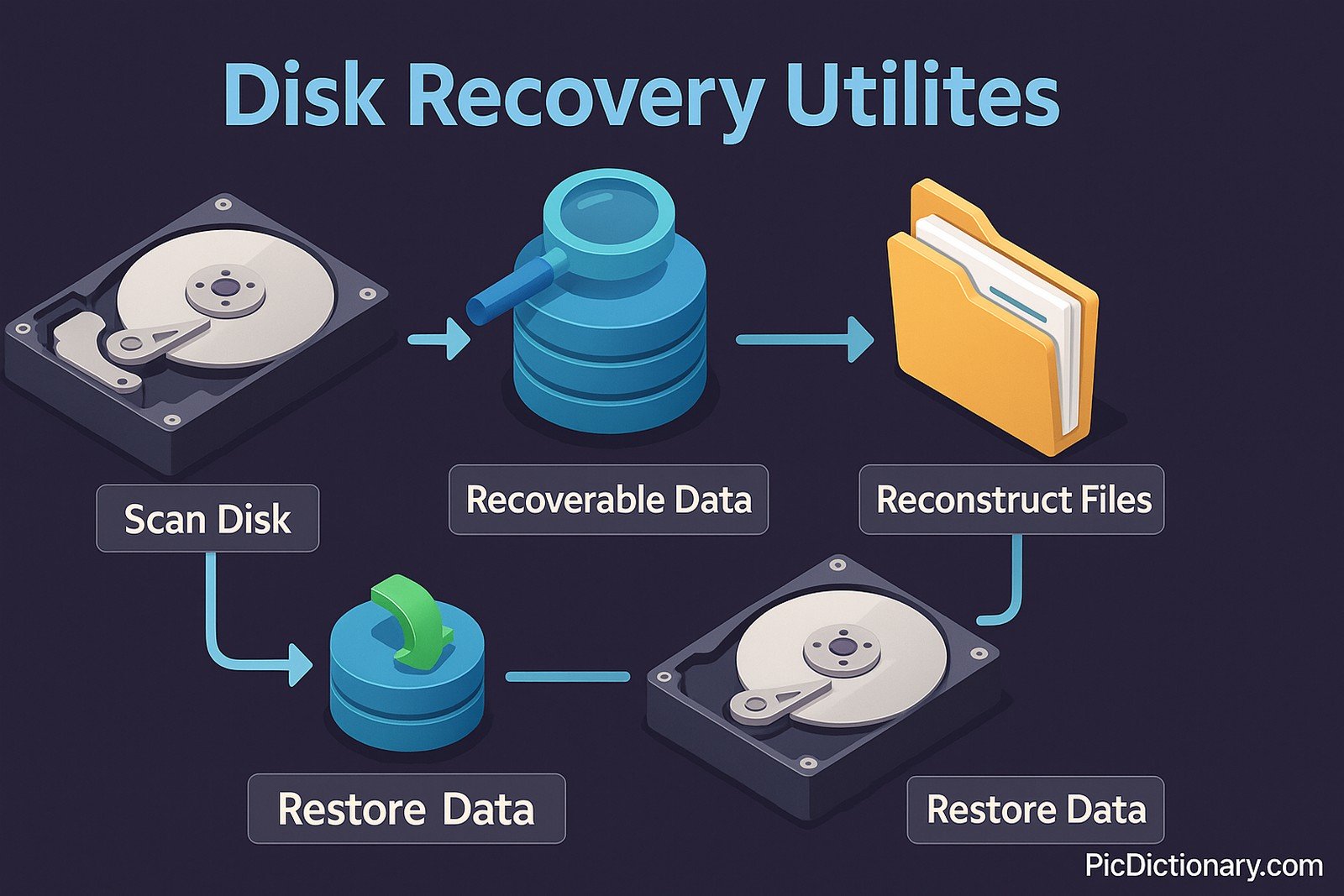
Disk recovery utilities are specialized software tools designed to recover lost, deleted, or corrupted data from storage devices such as hard drives, SSDs, USB flash drives, and memory cards. These tools work by scanning the storage medium for recoverable data, reconstructing file structures, and restoring lost information. Advanced disk recovery utilities can retrieve data from formatted, damaged, or inaccessible drives, making them essential for disaster recovery and forensic investigations.
Disk Recovery Utilities Explained Easy
Imagine your computer is like a big digital notebook where you store all your important notes and pictures. Sometimes, you might accidentally erase something or spill water on the pages. Disk recovery utilities are like magical tools that help you bring back those lost notes, even if they seem to have disappeared. They scan your notebook carefully and try to find the missing pages so you can use them again.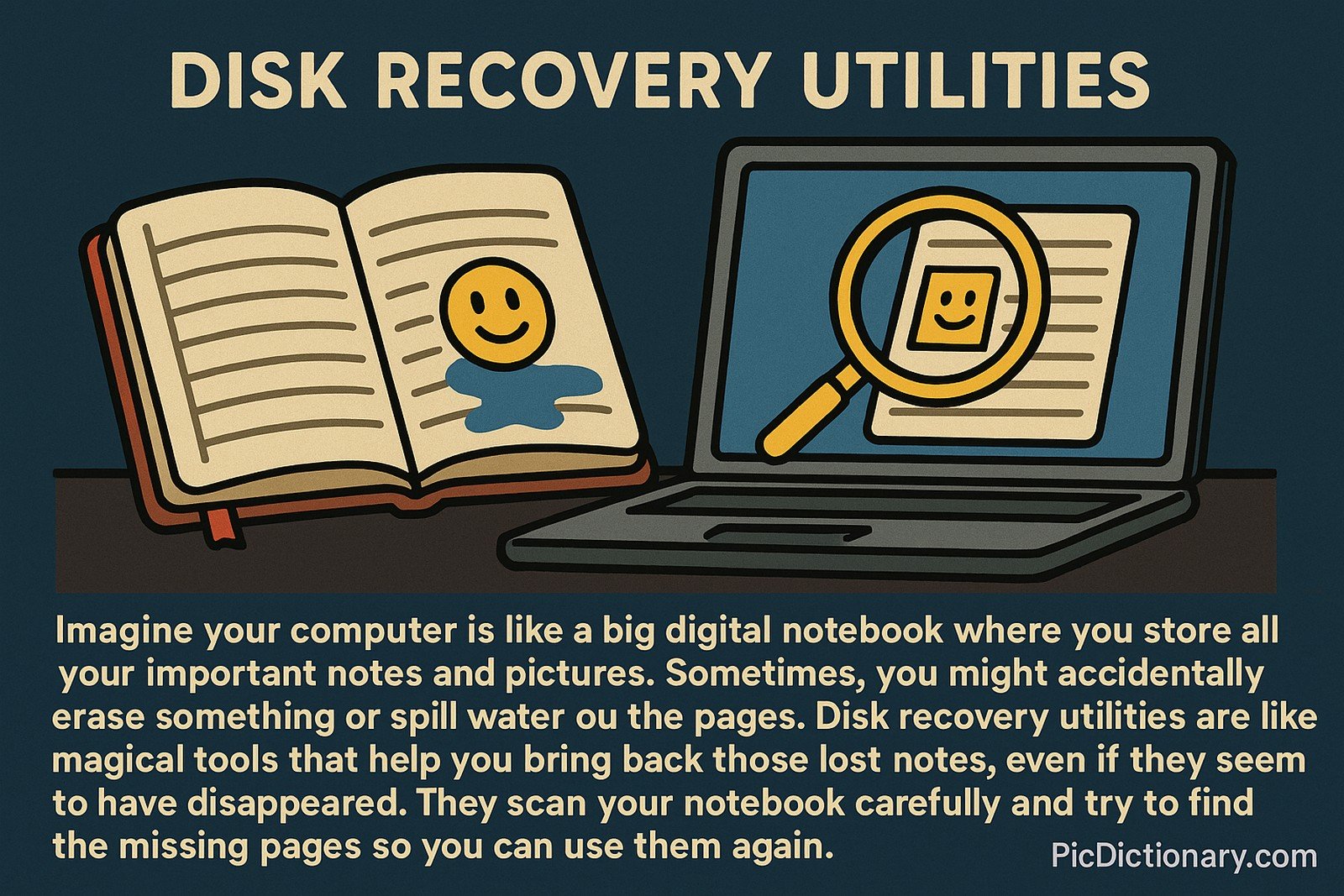
Disk Recovery Utilities Origin
The concept of disk recovery utilities emerged with the advent of digital storage systems. Early computers used magnetic tapes and floppy disks, which were prone to physical damage and data corruption. As storage technology evolved, specialized software was developed to recover lost data from hard drives, making disk recovery a crucial aspect of data management and IT security.
Disk Recovery Utilities Etymology
The term "disk recovery" originates from "disk," referring to storage media like hard drives and SSDs, and "recovery," meaning the process of retrieving lost or damaged information.
Disk Recovery Utilities Usage Trends
With the exponential growth of digital data storage, disk recovery utilities have become increasingly popular among businesses and individual users. They are commonly used for data loss prevention, forensic investigations, and system crash recovery. Modern utilities incorporate artificial intelligence and machine learning to improve data retrieval efficiency, making them more powerful and reliable.
Disk Recovery Utilities Usage
- Formal/Technical Tagging:
- Data Recovery
- Storage Management
- IT Security - Typical Collocations:
- "disk recovery software"
- "recover deleted files"
- "data recovery tool"
- "hard drive recovery"
Disk Recovery Utilities Examples in Context
- After a sudden power failure, John used a disk recovery utility to retrieve his important work files.
- Many IT professionals rely on disk recovery utilities to restore corrupted system files and prevent data loss.
- A forensic analyst used a disk recovery tool to recover evidence from a damaged hard drive.
Disk Recovery Utilities FAQ
- What are disk recovery utilities?
Disk recovery utilities are software tools designed to retrieve lost, deleted, or corrupted data from storage devices. - How do disk recovery utilities work?
They scan storage devices for recoverable data and reconstruct file structures to restore lost information. - Can disk recovery utilities recover data from formatted drives?
Yes, advanced tools can retrieve data even from formatted or inaccessible drives. - Are disk recovery utilities safe to use?
Most reputable utilities are safe, but users should avoid unreliable software that may cause further data loss. - Do disk recovery utilities work on SSDs?
Yes, but SSDs with TRIM enabled may make data recovery more difficult. - Can I recover permanently deleted files?
It depends on the file system and storage device. Some utilities can recover permanently deleted files if they haven’t been overwritten. - Are free disk recovery utilities effective?
Some free tools work well for basic recovery, but premium utilities offer more advanced features. - Do disk recovery utilities work on external hard drives?
Yes, they support external storage devices, including USB drives and memory cards. - How long does the recovery process take?
It depends on the drive size and the extent of data corruption; it can take from a few minutes to several hours. - Can disk recovery utilities restore partition data?
Yes, some advanced utilities can recover lost or deleted partitions.
Disk Recovery Utilities Related Words
- Categories/Topics:
- Data Recovery
- System Maintenance
- Digital Forensics
Did you know?
In 2018, a tech company successfully recovered 99% of data from a fire-damaged server using disk recovery utilities. This highlights the critical role of data recovery tools in disaster management and digital forensics.
PicDictionary.com is an online dictionary in pictures. If you have questions or suggestions, please reach out to us on WhatsApp or Twitter.Authors | Arjun Vishnu | @ArjunAndVishnu

I am Vishnu. I like AI, Linux, Single Board Computers, and Cloud Computing. I create the web & video content, and I also write for popular websites.
My younger brother, Arjun handles image & video editing. Together, we run a YouTube Channel that's focused on reviewing gadgets and explaining technology.




Comments powered by CComment