
Host Intrusion Detection Systems
Quick Navigation:
- Host Intrusion Detection Systems Definition
- Host Intrusion Detection Systems Explained Easy
- Host Intrusion Detection Systems Origin
- Host Intrusion Detection Systems Etymology
- Host Intrusion Detection Systems Usage Trends
- Host Intrusion Detection Systems Usage
- Host Intrusion Detection Systems Examples in Context
- Host Intrusion Detection Systems FAQ
- Host Intrusion Detection Systems Related Words
Host Intrusion Detection Systems Definition
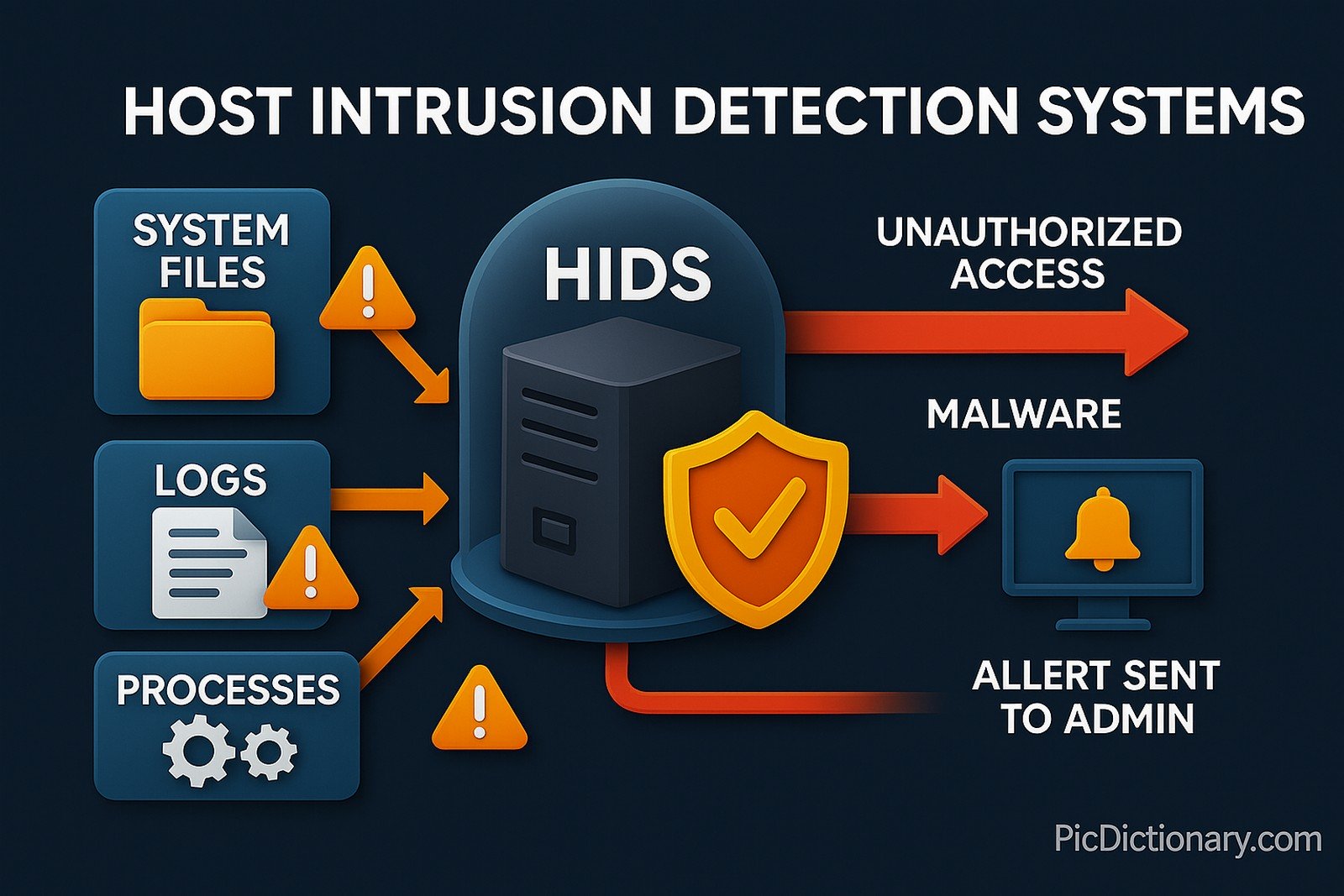
A Host Intrusion Detection System (HIDS) is security software that continuously monitors and analyzes the internals of a computer—such as log files, kernel calls, running processes, file‑system integrity, and network interfaces—for signs of malicious or anomalous activity. Unlike network‑based IDS, a HIDS focuses on a single host, giving it deep visibility into system‑level events.
Core components:
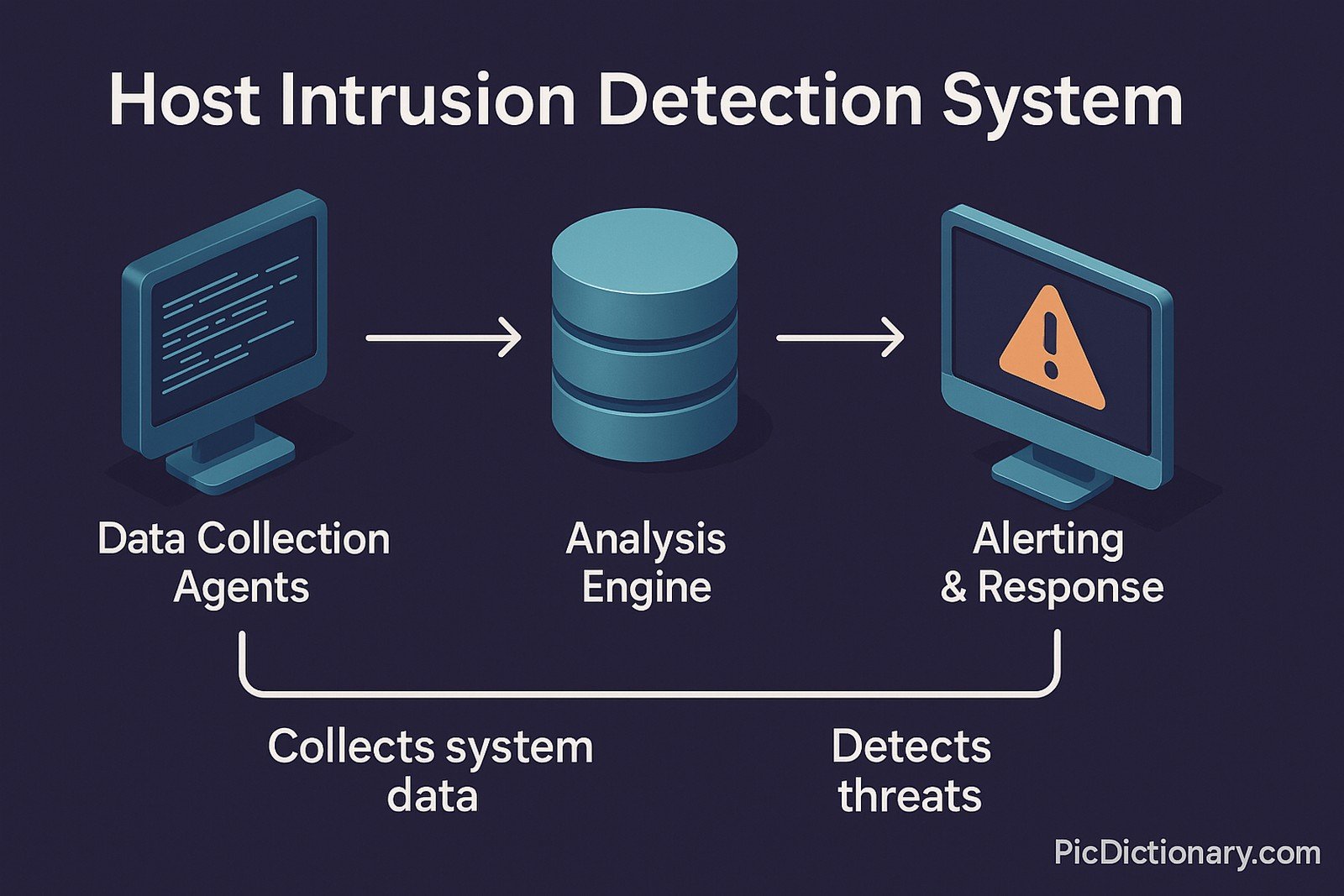
- Data Collection Agents – gather file hashes, audit logs, and real‑time telemetry.
- Analysis Engine – compares current state to a trusted baseline or uses heuristic / machine‑learning models.
- Alerting & Response – sends notifications or quarantines processes when threats are detected.
Host Intrusion Detection Systems Explained Easy
Think of your computer as a house protected by a guard dog that lives inside. The dog learns what is normal and barks when something unusual happens. A HIDS is that guard dog for your computer, warning you if a bad actor tries anything suspicious.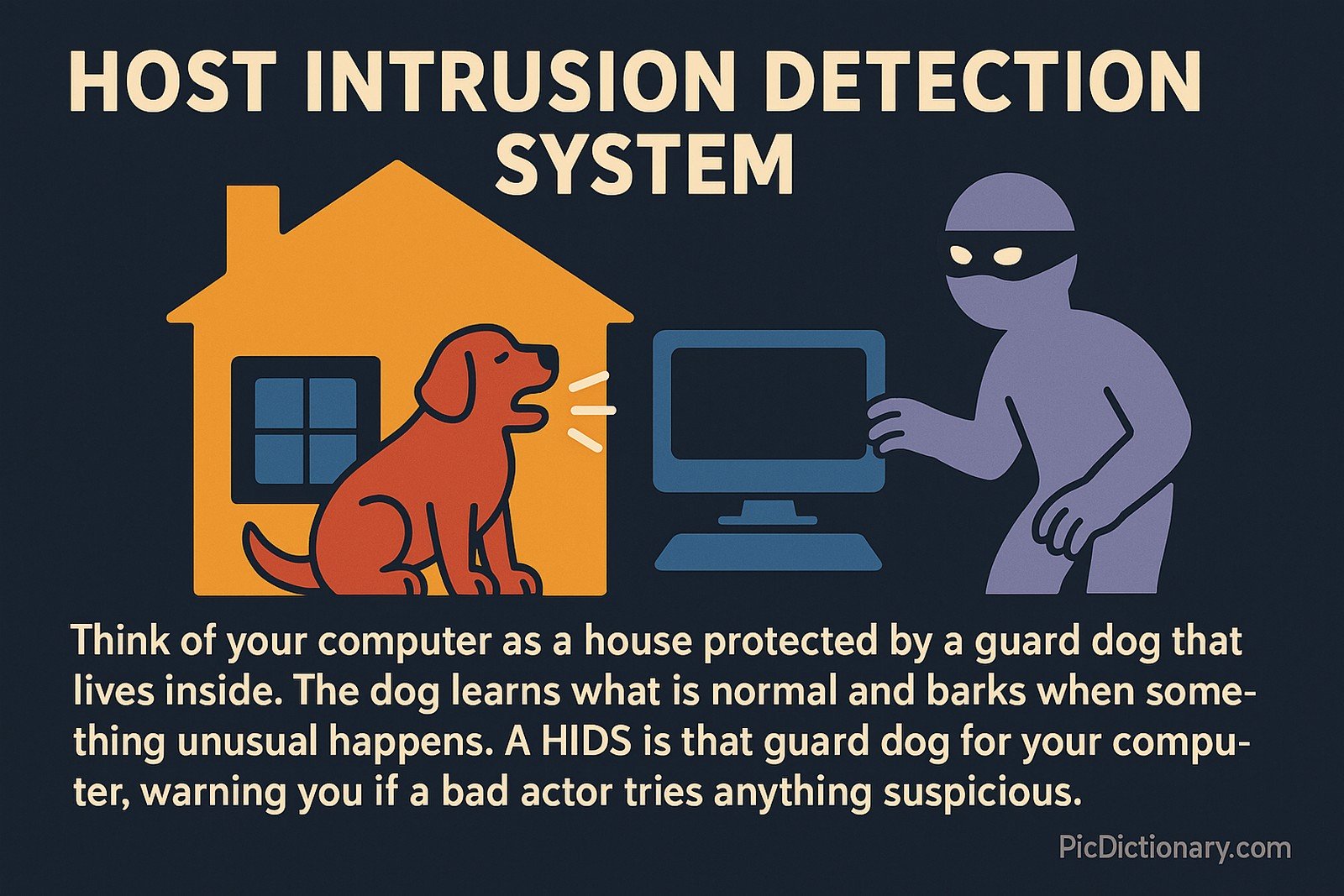
Host Intrusion Detection Systems Origin
Admin‑written checksum scripts in the early 1990s evolved into tools like Tripwire and later OSSEC, cementing host‑level monitoring as a critical defensive layer in cybersecurity.
Host Intrusion Detection Systems Etymology
Intrusion comes from Latin intrudere (“to thrust into”), and detection from Latin detegere (“to uncover”). Together, the phrase highlights uncovering unwelcome thrusts into a host computer’s environment.
Host Intrusion Detection Systems Usage Trends
Adoption rose sharply after 2010 due to Advanced Persistent Threats (APTs) and compliance mandates. Cloud workload protection now bundles HIDS to secure virtual machines and containers.
Host Intrusion Detection Systems Usage
- Formal/Technical Tagging:
- Cybersecurity
- Endpoint Security
- Threat Detection
- SIEM Integration - Typical Collocations:
- "HIDS agent"
- "HIDS alert"
- "file‑integrity monitoring with HIDS"
- "deploying HIDS on critical servers"
Host Intrusion Detection Systems Examples in Context
- A HIDS agent detected unauthorized modification of
/etc/passwdon a production server. - Security teams deploy HIDS across cloud instances to watch for rootkit installation attempts.
- Compliance audits often require proof that a HIDS is monitoring logins and privilege escalations.
Host Intrusion Detection Systems FAQ
- What is a Host Intrusion Detection System?
A HIDS is software that watches a single computer for signs of malicious activity and notifies security teams. - How does HIDS differ from NIDS?
HIDS monitors events on one host, whereas a Network IDS inspects traffic flowing across the network. - Does HIDS slow down a server?
Modern HIDS agents are lightweight, but heavy scans can impact I/O if not tuned. - Can HIDS stop an attack automatically?
Some HIDS include active response modules that kill processes or block IPs. - Is HIDS useful in the cloud?
Yes; HIDS agents run on cloud VMs and container hosts for deeper visibility. - Which OS platforms support HIDS?
Agents exist for Linux, Windows, macOS, and container environments. - What data does a HIDS collect?
File hashes, log entries, kernel events, registry keys, and user activity timelines. - How are alerts prioritized?
Rules assign severities based on exploit patterns and asset criticality. - Do I need signatures to run HIDS?
Anomaly‑based engines work without signatures but need tuning. - How is HIDS managed at scale?
Central consoles or SIEM integrations aggregate alerts and push policies.
Host Intrusion Detection Systems Related Words
- Categories/Topics:
- Endpoint Detection & Response (EDR)
- File‑Integrity Monitoring (FIM)
- Security Information & Event Management (SIEM)
- Network Intrusion Detection Systems (NIDS)
Did you know?
In 2019, an open‑source HIDS caught an attacker mining cryptocurrency on a research cluster by flagging unusual CPU spikes and rogue cron jobs, leading investigators straight to the culprit within hours.
PicDictionary.com is an online dictionary in pictures. If you have questions or suggestions, please reach out to us on WhatsApp or Twitter.Authors | Arjun Vishnu | @ArjunAndVishnu

I am Vishnu. I like AI, Linux, Single Board Computers, and Cloud Computing. I create the web & video content, and I also write for popular websites.
My younger brother, Arjun handles image & video editing. Together, we run a YouTube Channel that's focused on reviewing gadgets and explaining technology.




Comments powered by CComment