
Shared Libraries

Quick Navigation:
- Shared Libraries Definition
- Shared Libraries Explained Easy
- Shared Libraries Origin
- Shared Libraries Etymology
- Shared Libraries Usage Trends
- Shared Libraries Usage
- Shared Libraries Examples in Context
- Shared Libraries FAQ
- Shared Libraries Related Words
Shared Libraries Definition
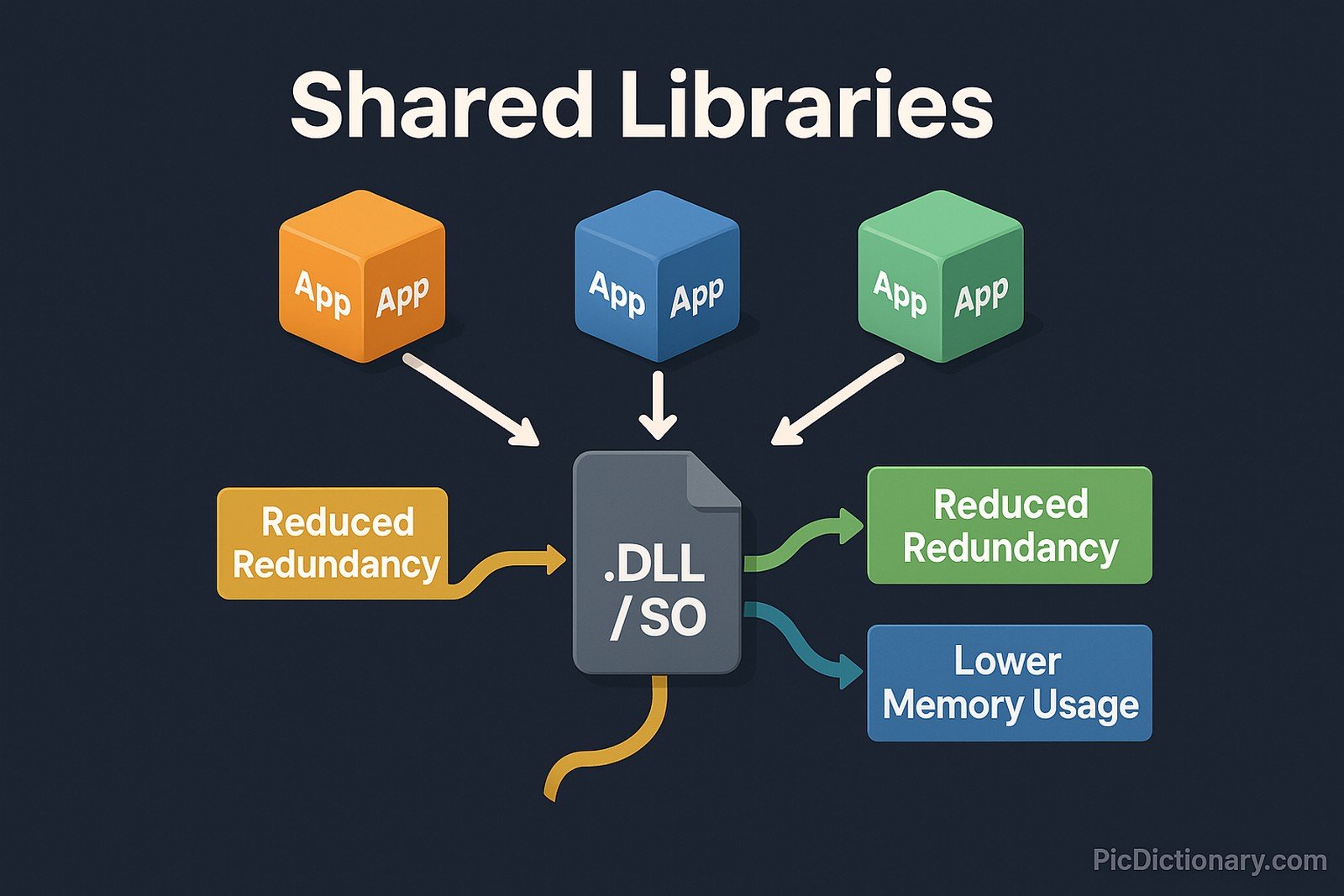
A shared library is a file containing compiled code and data that multiple programs can use simultaneously. Instead of embedding all necessary code within each application, programs can reference the shared library dynamically, reducing memory usage and redundancy. Common examples include Dynamic Link Libraries (DLLs) in Windows and Shared Object (SO) files in Linux. This technique is fundamental in operating systems, software development, and application efficiency, as it enables modularity, reusability, and easier software updates.
Shared Libraries Explained Easy
Imagine you and your friends all need the same book for homework. Instead of everyone buying their own copy, you borrow one from the library and share it. This saves money and space. Shared libraries work the same way in computers: different programs use the same file instead of each having its own copy, making things faster and more efficient.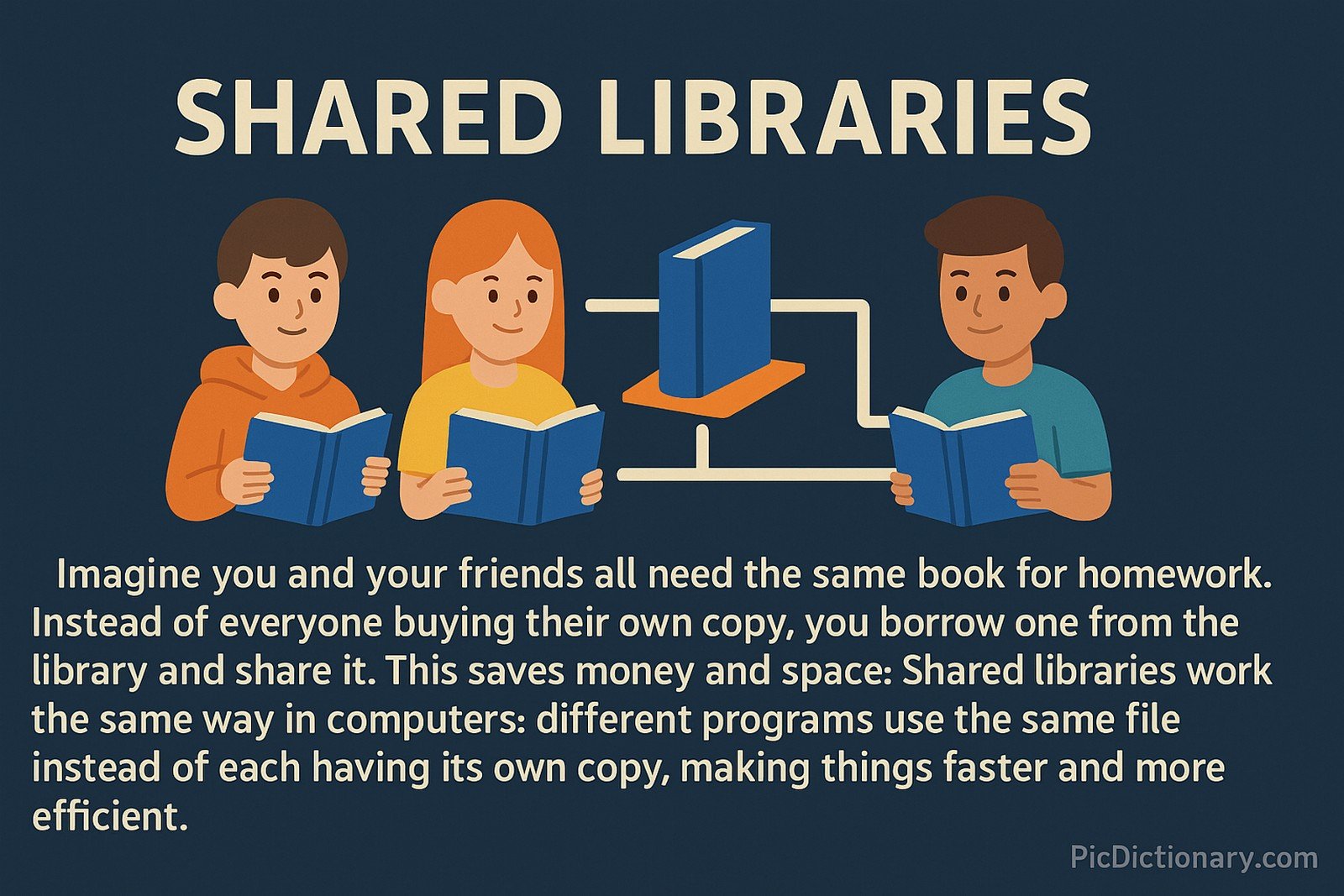
Shared Libraries Origin
The concept of shared libraries dates back to early computing when memory was limited and efficient resource usage was essential. UNIX systems in the 1970s pioneered this idea to optimize software execution. Over time, operating systems such as Windows, Linux, and macOS refined shared library mechanisms to improve software development and execution efficiency.
Shared Libraries Etymology
The term "shared library" originates from the idea of "sharing" compiled code across multiple programs. The word "library" is used because, like a collection of books, it provides reusable resources for different applications.
Shared Libraries Usage Trends
With the rise of modern operating systems and large-scale software applications, shared libraries have become indispensable. They enhance modularity and reduce duplication in software. The shift towards containerized applications and cloud computing has further evolved shared libraries, enabling more efficient use of dependencies across distributed systems.
Shared Libraries Usage
- Formal/Technical Tagging:
- Software Development
- Operating Systems
- Application Efficiency - Typical Collocations:
- "dynamic shared library"
- "linking shared libraries"
- "shared library dependency"
- "static vs. shared libraries"
Shared Libraries Examples in Context
- A video game references a shared library to render graphics without embedding the rendering code in every executable file.
- Web browsers use shared libraries to process images and encrypt data efficiently.
- Operating systems utilize shared libraries to handle system calls, allowing programs to interact with hardware seamlessly.
Shared Libraries FAQ
- What is a shared library?
A shared library is a compiled file containing reusable code that multiple programs can access simultaneously. - How do shared libraries improve efficiency?
They reduce memory consumption and redundancy by allowing multiple applications to use the same set of functions. - What are examples of shared libraries?
DLL files in Windows, SO files in Linux, and DYLIB files in macOS are common examples. - How do programs access shared libraries?
Programs link to shared libraries dynamically at runtime rather than embedding all functionality in their code. - What is the difference between shared and static libraries?
Shared libraries are loaded at runtime, while static libraries are embedded into the application during compilation. - Why do some programs fail due to missing shared libraries?
If a program depends on a shared library that is missing or incompatible, it may fail to run properly. - Can shared libraries be updated independently?
Yes, updating a shared library can improve multiple programs without modifying each one individually. - Are shared libraries platform-specific?
Yes, shared libraries are typically designed for specific operating systems and architectures. - How do shared libraries impact software security?
They can introduce vulnerabilities if outdated or malicious versions are exploited by attackers. - What is dynamic linking in shared libraries?
Dynamic linking allows programs to load shared libraries at runtime rather than at compile time.
Shared Libraries Related Words
- Categories/Topics:
- Software Architecture
- Operating System Design
- Program Efficiency
Did you know?
Shared libraries play a crucial role in modern web browsers. For example, Google Chrome and Mozilla Firefox use shared libraries to optimize JavaScript execution, enabling faster and smoother browsing experiences while minimizing resource usage.
PicDictionary.com is an online dictionary in pictures. If you have questions or suggestions, please reach out to us on WhatsApp or Twitter.Authors | Arjun Vishnu | @ArjunAndVishnu

I am Vishnu. I like AI, Linux, Single Board Computers, and Cloud Computing. I create the web & video content, and I also write for popular websites.
My younger brother, Arjun handles image & video editing. Together, we run a YouTube Channel that's focused on reviewing gadgets and explaining technology.




Comments powered by CComment